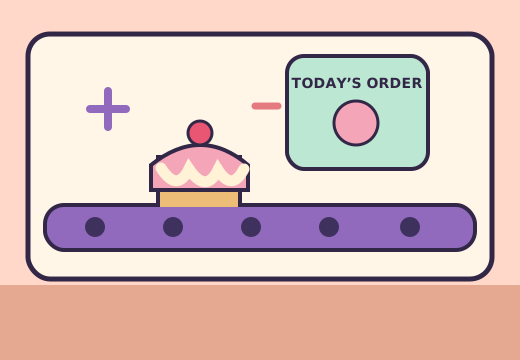
01 BAKE & MATCH
Comfy Cakes
Read the order, then assemble the requested cake as it travels from station to station. In this fan version of Purble Place, the cake puzzle rewards attention to shape, color, and toppings.
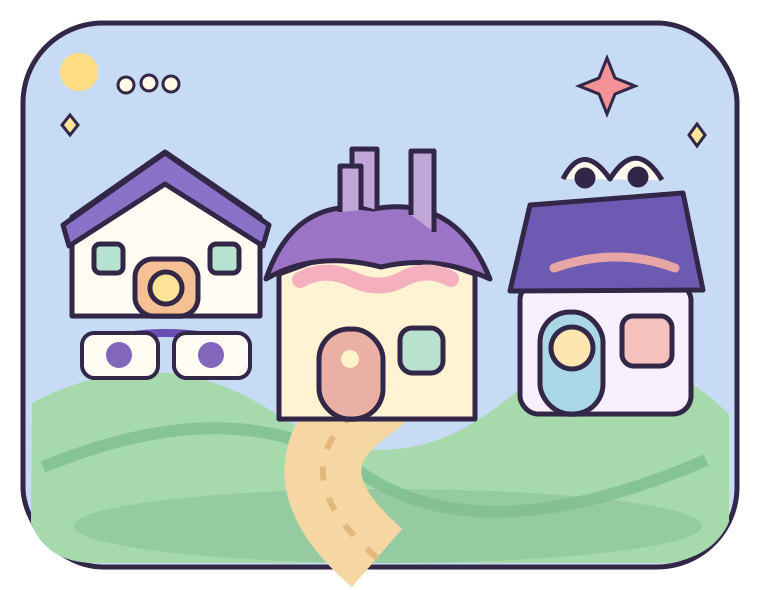
Play the Purble Place cake gameRemember the little town with three very different puzzles? Explore Purble Place through a community-made browser remake: bake a cake, flip matching cards, or solve a character mystery.
01 / THE ARCADE
Choose the whole fan-made Purble Place town or go straight to one puzzle. The player opens only after you press Play, so the rest of the page stays quick to load.
Start the complete Purble Place fan remake and choose a building inside the game.
Runs in your browser. Sound may start after your first click.
If an embedded player stays blank, use “Open game in a new tab.” The game is supplied by its creator and can change or become unavailable.
02 / THE THREE GAMES
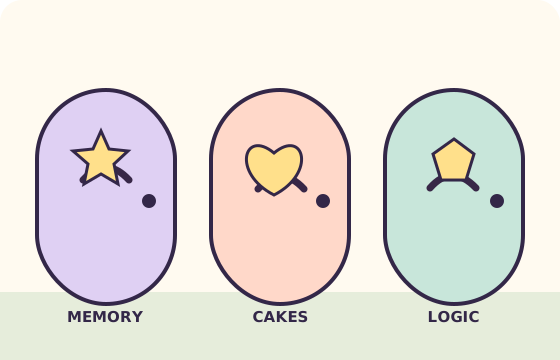
Each Purble Place puzzle asks you to think in a different way. Pick the one you remember, or discover a new favorite.
Read the order, then assemble the requested cake as it travels from station to station. In this fan version of Purble Place, the cake puzzle rewards attention to shape, color, and toppings.
Play the Purble Place cake game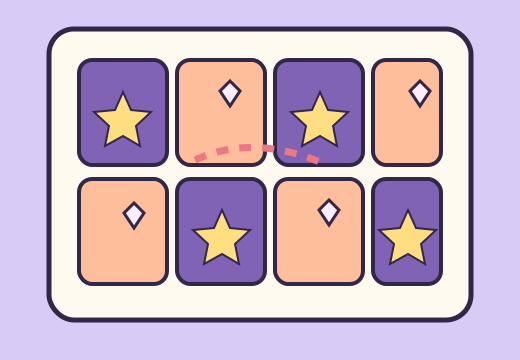
Turn over two cards and remember where each picture lives. Match all the pairs to clear the board. The independent Purble Place memory project lets you choose a difficulty before the cards appear.
Play Purble Pairs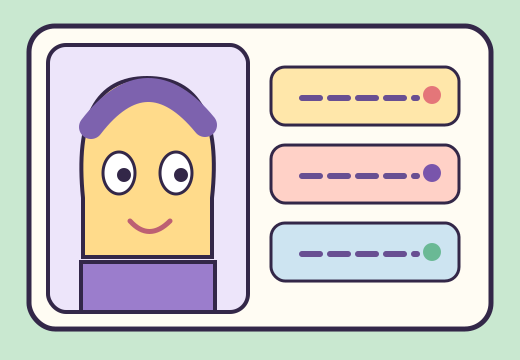
Build a character from different features and use the clues after each guess to narrow down the hidden combination. This Purble Place logic game is about testing a theory, then improving it. The current community project opens its difficulty menu, but a complete round still needs verification.
Explore Purble Shop03 / A QUICK START
You can play Purble Place online here without installing a Windows program. Choose “Full town” for the combined community project, or select a named mode to open its separate Scratch project directly.
Use the tabs above. The full town opens a map with three buildings; the other tabs take you to a specific puzzle.
The game frame loads only after you ask for it. When the green flag appears, click it to start or restart that project.
Use a mouse or touch input to pick cards, cake parts, or character features. Some projects first ask you to choose a difficulty.
Start with the easiest setting in Purble Pairs if you are learning the card layout. Watch the example order before choosing cake pieces in Comfy Cakes; the belt moves one station at a time. In Purble Shop, change just a few features after each clue so you can tell which choices helped. These are simple ways to learn the puzzles, not secret controls or guaranteed solutions.
When you want to try another Purble Place mode, use the tabs above the player. Switching tabs closes the current game frame and starts the next mode fresh. If you would rather keep a game open while reading this guide, use the new-tab link under the player first.
If you want to explore without deciding on a puzzle first, start with Full town and pick a building from its map. If you already know which game you want, the separate projects save that menu step. They are distinct Scratch projects, so switching from one tab to another starts a fresh player rather than carrying a round across modes. Keep the current game open in a new tab if you want to compare modes without losing its place.
On a smaller screen, try the player’s fullscreen control before starting a round. Landscape orientation can give the card grid, cake controls, or character choices more room, though the creator’s projects may respond differently to touch. If a control is hard to tap, the source link opens the original Scratch project so you can try its player as another option.
For all three games in one concise starting path, read the how to play Purble Place guide. It links each mode to its own focused page and notes which parts of the current remake we could verify.
The games are made by a Scratch community creator. Their controls, timing, and art may differ from the Windows release of Purble Place.
04 / KNOW YOUR VERSION
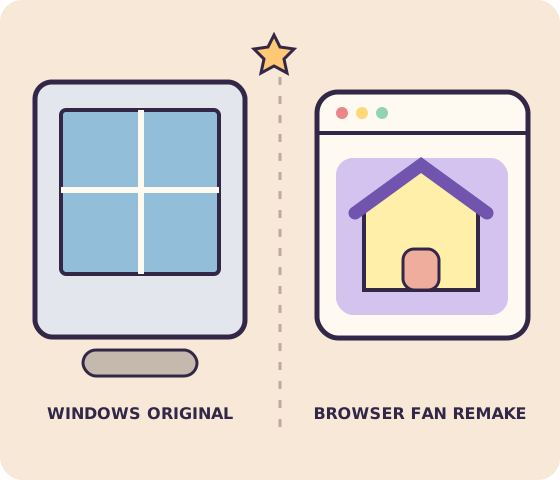
The original Purble Place came with older versions of Microsoft Windows. The game you can launch on this site is a fan-made Scratch recreation by DipsyNugget, displayed with the TurboWarp player. It brings the three recognizable puzzle ideas into a browser, but it is not a Microsoft release or a copy of the original Windows application.
That distinction matters if you arrived looking for the original Purble Place download. An iframe plays a hosted community project; it does not install software on your computer. The creator controls the project, and updates may change how a mode looks or works. We link to each Scratch source beside the player so you can see who made the version you are playing.
For the smoothest experience, open one game at a time. If Purble Place pauses on a loading screen, give the project a moment or use the new-tab link beneath the player. These projects can be large, especially on a slower phone connection.
Read the original-version comparison for source and platform evidence, or the download guide before trusting a third-party installer.
Back to the game05 / GOOD TO KNOW
A few useful things to know before opening Purble Place in your browser.
Purble Place was a collection of three puzzle games on older Windows computers: Comfy Cakes, Purble Pairs, and Purble Shop. This website opens community-made browser recreations of those ideas and identifies the project creator beside the player.
The Scratch fan projects linked here currently open without a payment or Windows download. Press Play to load one in your browser. They are supplied by a third-party creator, so availability and controls can change.
People sometimes search for “Purple Place,” but the game’s name is Purble Place. On this page, that name refers to the community browser remake described above, not an official Microsoft download.
No. The playable games here are community-made Scratch recreations by DipsyNugget. The original Purble Place was a Windows game. The source link below each player leads to the creator’s project.
No download is needed for these browser projects. Choose a game, press Play, and wait for the embedded player to load. This does not install the older Windows application.
Yes. Use the tabs above the player or the Play buttons in the game cards. Each button selects a separate Scratch project for that mode, while Full town opens the combined Purble Place fan remake.
The Scratch projects contain a lot of art and sounds, which the player needs to fetch before starting. Only one game loads at a time on this page. If it stays blank, use the link below the frame to open the project in a new tab.
The player can open in a mobile browser, but each community project has its own controls. A larger screen may make cards and cake controls easier to use. The new-tab and fullscreen controls can help when the embedded frame feels small.