Remember
Choose Purble Pairs if you want a calm grid of face-down cards. Beginner in the observed remake has a 4 × 5 board and no timer.
THREE GAMES / ONE EASY START
If you remember the colorful town but not what to click, start here. This how to play Purble Place guide helps you choose between matching cards, baking an ordered cake, and solving a character puzzle in the current browser remake. Each section gives the first useful action, then links to a focused game page.
The playable projects on this site are DipsyNugget’s Scratch fan creations shown through TurboWarp. They are not the original Windows application. Controls and difficulty can differ from older guides.
01 / CHOOSE A DOOR
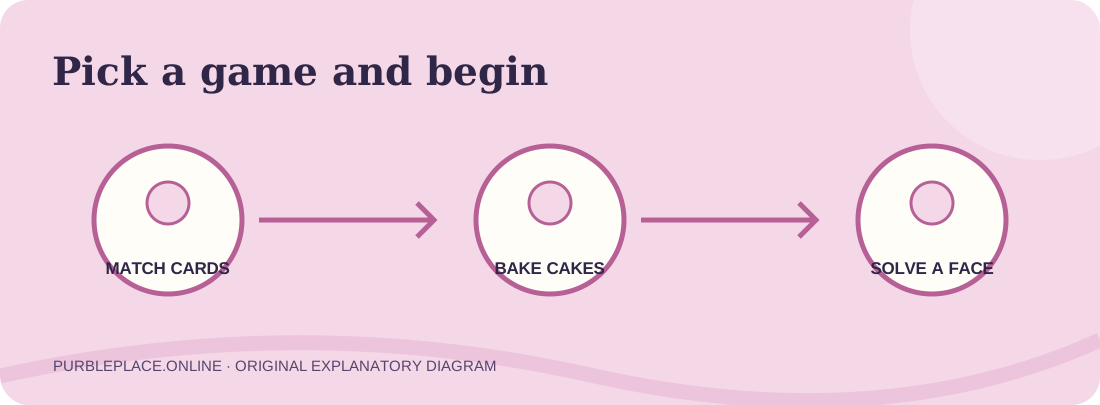
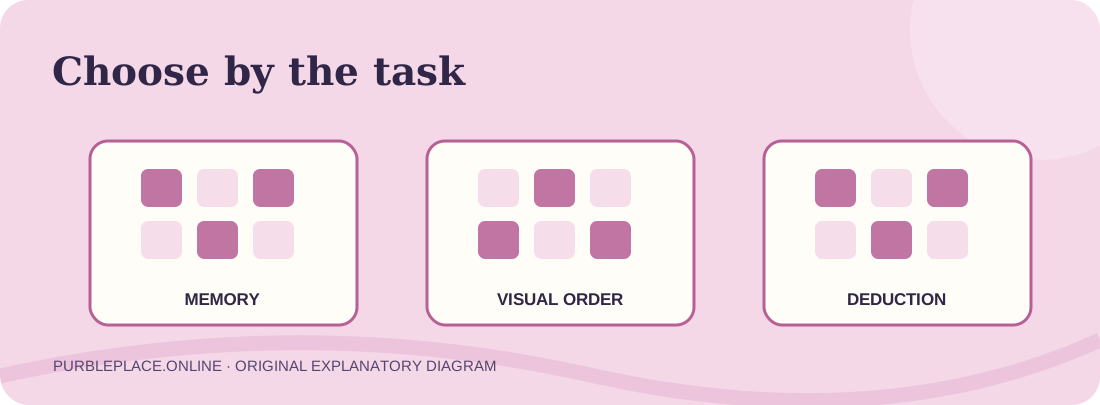
Learning how to play Purble Place starts with choosing the right mini-game. The town is a menu for three different tasks. Purble Pairs tests memory by hiding pictures under cards. Comfy Cakes tests careful visual matching against an order. Purble Shop tests deduction from feedback about a hidden character. You can play them separately here; no story sequence or unlock path has been verified as necessary in the current fan projects.
Choose Purble Pairs if you want a calm grid of face-down cards. Beginner in the observed remake has a 4 × 5 board and no timer.
Choose Comfy Cakes if you want to read a pictured order and select cake parts along a bakery belt.
Choose Purble Shop if you want to test character combinations and interpret color-and-feature feedback. Its current project menu has a loading issue in our latest check.
You can start from the homepage player for the full fan-made town, or jump to a focused page. A focused page removes one navigation step and gives a guide for that project. If a project asks you to click its green flag, do that inside the player after the art loads. The Play button on our page only creates the third-party iframe; it is not always the game’s own start button.
This how to play Purble Place route is intentionally about first actions. Each game page goes deeper into its own puzzle. That avoids making a learner read a long strategy article before ever seeing a board.
02 / PURBLE PAIRS
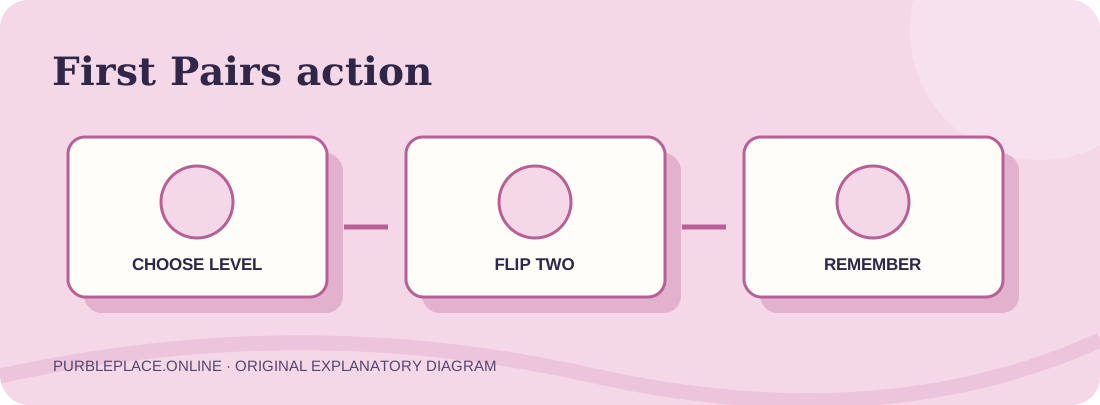
For the memory game, open the Purble Pairs page and press its Play button. Wait for the project to load, start it with the green flag if needed, and choose Beginner. The current fan version labels that level a 4 × 5 grid without a timer. Once the board is visible, click one card, then another. Matching pictures make a pair. When the pictures differ, remember the image and position of both cards for a later turn.
A good first round is about collecting information. Give each revealed picture a simple location name such as “second card in the top row.” On a new turn, if one of the pictures matches a card you remember, choose its known partner. Otherwise reveal a new tile and learn one more location. Continue until the board is clear. That is the core answer to how to play Purble Place’s card mode; special features and scoring can vary by edition.
The direct Pairs project reached a beginner board and accepted card flips in our desktop test. That establishes the start path, though we have not yet completed every pair in one round. The focused Pairs guide gives a longer memory method and the observed difficulty choices.
03 / COMFY CAKES
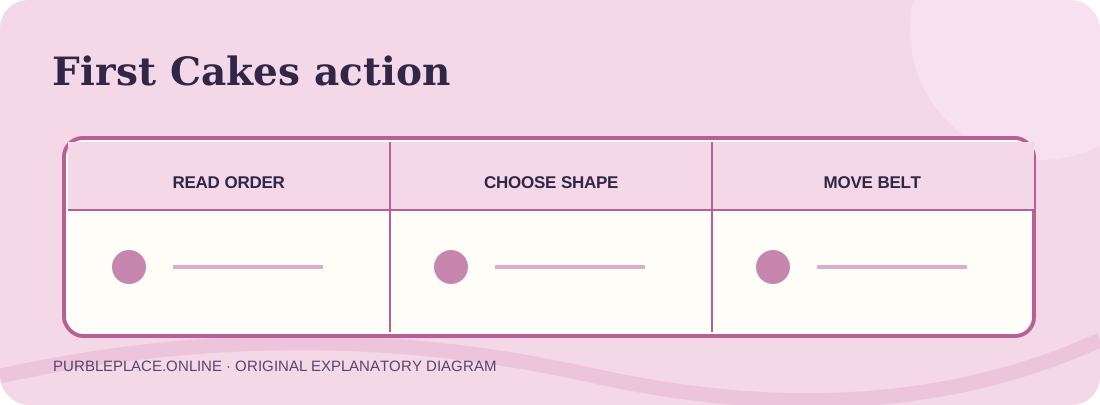
For the bakery, open the cake game page and load its separate project. The player opens at a work line rather than the town. Click the game’s Play control. A small display shows a requested cake; compare its base shape, cake body, covering and decoration with the choices below the belt. In the current remake, a red button starts a pan, ingredient buttons choose parts, and green arrows move it between stations.
Do not hurry past the order picture. A pan can have the right shape while its topping is the wrong color. Check one visible feature at a time and move the belt after making the choice for that station. The current project responded to a square pan, pink cake and pink icing in our desktop test, but we did not finish and score a complete order. We therefore describe the observed controls without promising a particular success animation or exact penalty rule.
When someone asks how to play Purble Place because they remember baking cakes, this is usually the mode they mean. The dedicated bakery guide includes diagrams for the order picture, work stations and version differences.
04 / PURBLE SHOP
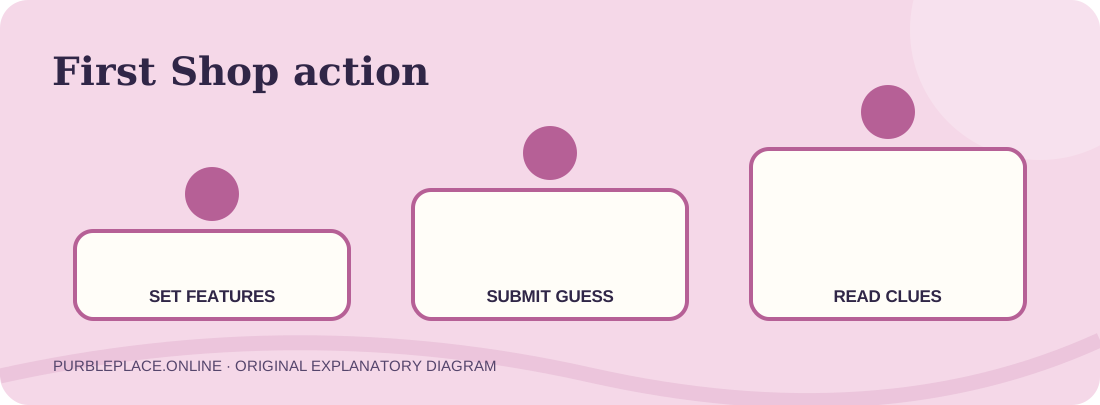
The third game is about a hidden combination. Open the Purble Shop page, load the independent project and look at its difficulty choices. Its visible menu lists Beginner at three accessories and colors, then increases the count through Impossible. The opening art also displays feedback categories for right colors in right features and right colors in wrong features. In a working round, use a guess to learn which choices or arrangements need changing.
Record each attempt and its feedback. Change a small part of the next guess so the new clue is easier to interpret. A color counted under the wrong feature may be worth moving rather than discarding. This is the logic idea behind the mode, but the current Shop project has not consistently advanced from the menu in our latest test, even when opened directly. The Shop page states this limitation beside the player.
If you are learning how to play Purble Place today and want a game that starts reliably in our current checks, try Pairs or Cakes first. Return to Shop after its external project works through a complete round. We prefer that honest status to instructions that imply a tested victory we did not achieve.
05 / SCREENS & RESTARTS
The current how to play Purble Place pages use embedded Scratch projects. Project art and sound can take time to load, especially on a slower connection. Press the website’s Play button once, wait for the game area, then use the green flag inside the player if prompted. If the iframe remains stuck, the direct TurboWarp and Scratch links under it give you another way to open the same source. Those links do not change the game’s authorship.
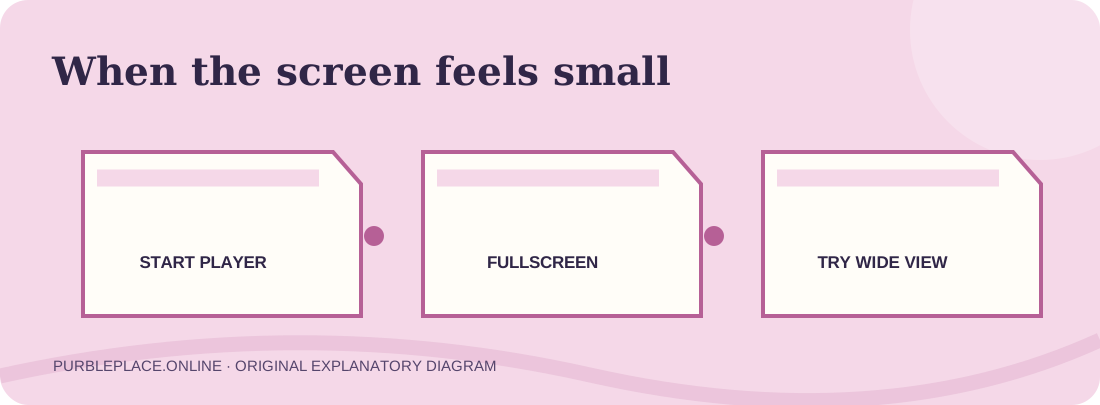
On a narrow phone display, a visual order or many card positions can feel cramped. Rotate the device if available or use the fullscreen control shown in the player. We have checked responsive layout at a 390-pixel browser viewport, but have not completed a full session with real phone touch input. Do not assume an old keyboard or mouse tip works exactly the same on the web project.
Restarting the green flag may reset a session. If you want to read while playing, the new-tab link can keep the game visible alongside this guide on a desktop. On a phone, reading the quick steps first may be simpler than switching tabs in the middle of a puzzle.
06 / WHICH VERSION?
The older Windows collection and these browser projects share three game ideas, but they are not identical software. This how to play Purble Place guide follows the current Scratch projects where we could observe their controls. If an old walkthrough gives a different board size or button label, check which version it covers. For a source-based distinction, see the original-version comparison. If you are deciding whether to install something instead, read the download and source guide first.
The quickest decision remains simple: match cards on Pairs, match a cake order in Comfy Cakes, or interpret clues in Shop. Choose one meaningful action, observe the result, and only then move to a harder level or another game.
07 / QUESTIONS
No unlock sequence has been verified as necessary for these separate fan projects. Choose the activity you want from the homepage or its focused page.
Let the external project load, then click its green flag if one appears. Some projects also show their own Play or difficulty menu before the first puzzle.
The observed Pairs remake has a Beginner board without a timer. That makes its first action straightforward: flip two cards and remember what appeared.
It is written for the current browser fan projects. The old Windows title used similar game ideas but may have different artwork, board sizes, controls and scoring.
Try the creator’s project or direct TurboWarp link on its page. Our current browser check reached the difficulty menu but did not reliably start a round, so you can play another verified mode while that remains unresolved.